From one idea to a YouTube Short.
Type what should happen, pick vertical, and get a finished Short with generated footage, sound, and captions. Download it and upload it to your channel.
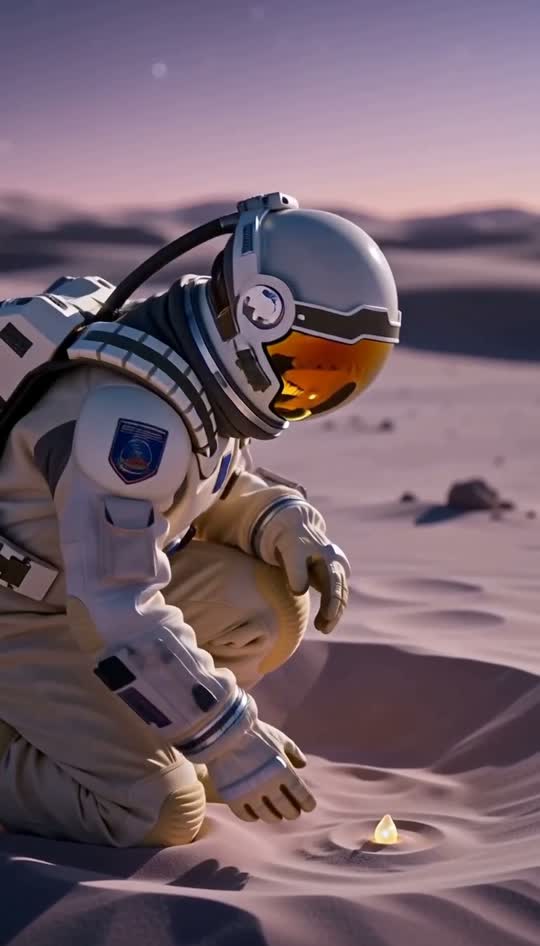
How it works.
- 01
Write the idea
One scene, one moment, one line of dialogue if you want it. Keep it to what fits in 15 seconds.
- 02
Choose 9:16 and quality
Vertical is the Shorts format. Pick 720p for everyday uploads or 1080p for your best ones.
- 03
Upload to YouTube
Download the MP4 from My videos and upload it as a Short in YouTube Studio or the app.
What you get.
Made for vertical
Render in 9:16 so the video fills the Shorts player on every phone, with no cropping or black bars.
Footage and sound together
Picture, ambience, music, and speech are generated as one piece, so you do not need a separate audio pass.
Captions that follow speech
Auto captions are timed to each spoken word, keeping muted viewers watching.
Photos or audio as input
Add up to four photos to guide the look, or use a portrait and a short audio clip for a talking Short.
A library of finished clips
Every finished video waits in My videos, so you can generate a batch and upload them on your schedule.
Making Shorts people replay
Shorts loop automatically, so a clip that ends where it began gets watched twice. Write briefs where the last moment flows back into the first, like a wave that rolls in and pulls back, or a character who ends in the same pose they started. Open on motion, since a still first second gives people a reason to swipe. Plan in series rather than one-offs: the same character, setting, or question format across a week of uploads helps viewers recognize your channel. Your title and description on YouTube still do the explaining, so let the video be one clear moment. Generate a few versions of a strong idea and upload the best. Keep a running list of briefs that worked so you can build on them.
- An astronaut on Mars kicks a rock that bounces in slow motion, then lands back exactly where it started.
- A man in a yellow shirt tries to parallel park a shopping cart. Say: 'I've done this before.'
- A cozy podcast host leans into the mic and says: 'Here is the weirdest fact I learned this week.'
- Time-lapse of a tiny paper boat drifting across a puddle city, ending where it began.
Questions, answered.
Can it turn my long YouTube videos into Shorts?
No, it does not clip long videos. It generates new Shorts from a written idea, photos, or an audio clip. For resizing existing footage to vertical, try the free video resizer in the browser tools.
How long are the Shorts?
Each AI video is 15 seconds. The free first video is 5 seconds at 480p. Fifteen seconds is enough for one clear moment, and short clips loop well on the Shorts feed.
Does it upload to YouTube automatically?
No. Finished videos wait in My videos. Download each MP4, then upload it through YouTube Studio or the YouTube app and add your own title and description.
Which plan should I pick for regular Shorts?
Hobby at $19.99 covers about 6 HD Shorts a month, Standard at $49.99 about 20, and Professional at $99.99 about 40. Start with your free first video to test your idea before choosing.