Write the line. Hear it spoken on screen.
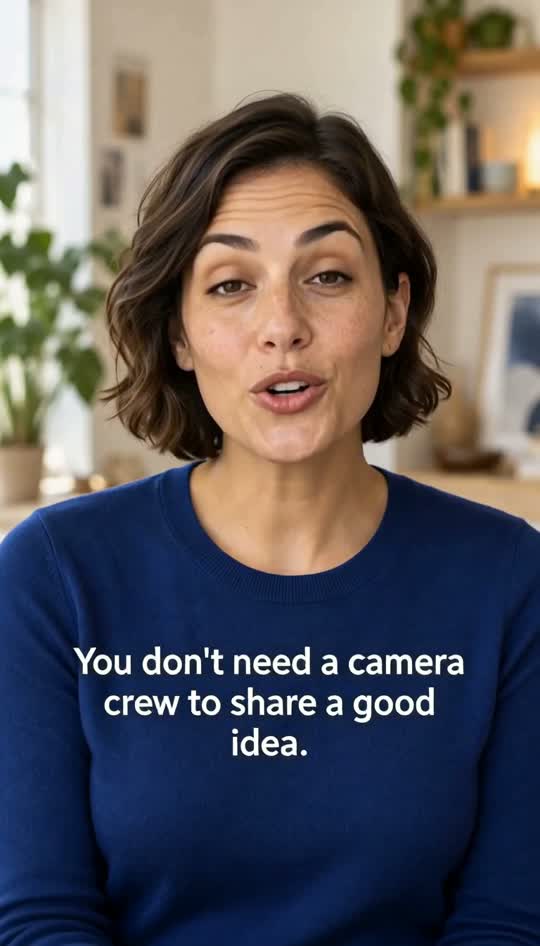
Quote a line in your brief and the video speaks it, with footage and sound built around the words. Captions can follow every word.
How it works.
- 01
Quote your line
Describe the scene, then add the words to speak, like Say: 'Welcome back.' Mention the kind of voice you want.
- 02
Turn on captions
Auto captions are timed to the speech, so every word appears on screen as it is said.
- 03
Download the video
Your finished MP4 arrives in My videos in a few minutes, with picture, voice, and sound mixed together.
What you get.
Speech from your brief
There is no separate voiceover step. Write the line in quotes and it is spoken in the generated video.
Voice and scene match
A whisper in a dark hallway or a shout at a stadium. The sound and picture are made together, so they fit.
Use your own recording
Upload a 5 to 14.8 second audio clip with one portrait photo, and the person in the photo speaks your audio.
Word-timed captions
Captions land on each spoken word, which keeps viewers with the sound off following the line.
Vertical or landscape
Make 9:16 for Shorts, Reels, and TikTok, or 16:9 for YouTube and presentations.
Writing lines that sound natural
Write the way people talk, not the way they write. Short sentences with plain words come out clearer than long ones with commas. Fifteen seconds sounds like a lot, but the scene needs room to breathe, so aim for about 25 words or fewer. Use punctuation to shape delivery: a period gives a pause, a question mark lifts the ending, an ellipsis slows it down. Tell the model who is speaking and how, such as "an old sailor, gravelly and slow" or "a cheerful kid, fast and excited." Keep one speaker per video for the cleanest result. Match the setting to the tone, since a line whispered in a library lands differently from the same line shouted on a beach.
- An old sailor on a foggy dock, gravelly voice. Say: 'The sea gives back what it takes. Eventually.'
- A cheerful kid in a treehouse whispers: 'Password is pancakes. Do not tell my sister.'
- A news anchor at a desk, deadpan. Say: 'Breaking news. The cat has knocked over the plant again.'
- A calm guide in a sunlit forest says: 'Breathe in. Now look up. Most people never do.'
Questions, answered.
How do I make the video say my line?
Put the exact words in quotes in your brief, for example Say: 'See you tomorrow.' Describe who is speaking and in what tone. The generated video includes that speech, and captions can be timed to it.
Can it clone my voice?
No, there is no voice cloning. You can have the AI speak a written line, or upload your own recording of 5 to 14.8 seconds with a portrait photo so the person in the photo lip syncs to it.
How long can the voiceover be?
Each video is 15 seconds, so a line of about 25 words or fewer fits comfortably. The free first video is 5 seconds, so keep your test line very short.
Is the voiceover video free?
Your first video is free: a 5-second 480p text-to-video clip after Google sign-in, no card needed. Paid plans start at $19.99 a month for 250 credits, roughly six HD videos.